How to Setup IPTV on Smart TV (2026): Samsung Tizen & LG webOS
Smart TV Setup Summary
- No External Box Needed: Stream 25,000+ channels directly through your TV’s built-in operating system.
- Recommended App: IBO Player or Nanomid Player for Samsung (Tizen) and LG (webOS).
- 5-Minute Activation: Connect your TV’s MAC Address to your Falcon IPTV playlist.
- 4K Display Calibration: Adjust TV motion smoothing for crisp 60FPS sports broadcasts.
Table of Contents
- 1. Can You Stream IPTV Directly on Smart TVs Without Boxes?
- 2. Prerequisites & What You Need Before You Start
- 3. Step-by-Step Setup on Samsung Smart TVs (Tizen OS)
- 4. Step-by-Step Setup on LG Smart TVs (webOS)
- 5. Uploading Your M3U Playlist & Xtream Codes via MAC Portal
- 6. Best Settings for 4K Audio & Video on Smart TVs
- 7. Troubleshooting Common Smart TV IPTV Issues
Mastering How to Setup IPTV on Smart TV allows you to enjoy thousands of live 4K channels and on-demand blockbusters without plugging in external streaming boxes or dealing with messy cables. Modern Samsung Smart TVs (powered by Tizen OS) and LG Smart TVs (running webOS) feature powerful built-in app ecosystems capable of direct high-bitrate video decoding.
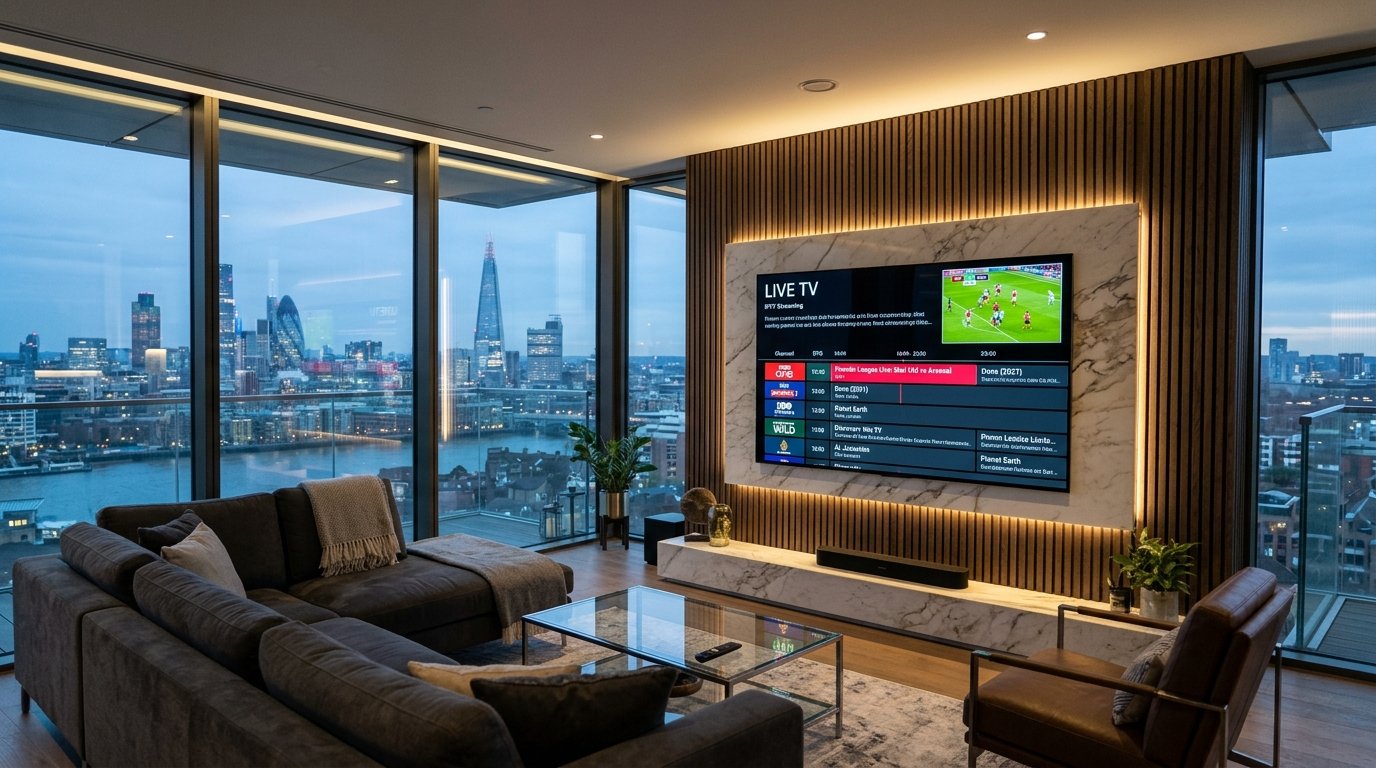
1. Can You Stream IPTV Directly on Smart TVs Without Boxes?
Yes! Unlike older television sets, modern Smart TVs manufactured from 2018 to 2026 support dedicated IPTV client applications downloadable straight from their official manufacturer app stores. By pairing a verified application like IBO Player or Smart IPTV with an active Falcon IPTV subscription, you get a direct satellite-quality experience with zero hardware clutter.
2. Prerequisites & What You Need Before You Start
Before beginning, ensure you have:
- A Samsung Smart TV (Tizen 4.0+) or LG Smart TV (webOS 3.5+).
- A stable internet connection (minimum 25 Mbps for FHD, 50 Mbps for 4K).
- An active Falcon IPTV subscription (with your custom M3U Playlist URL or Xtream Codes credentials). Explore our Subscription Plans if you need an account.
3. Step-by-Step Setup on Samsung Smart TVs (Tizen OS)
- Press the Home button on your Samsung remote and navigate to Apps.
- Click the search magnifying glass icon and search for IBO Player (or Nanomid Player).
- Click Install. Once downloaded, launch the application.
- Upon launch, the screen will display your TV’s unique Device MAC Address (e.g.,
00:1a:79:xx:xx:xx) and Device Key. Note these down. - Proceed to Section 5 below to bind your Falcon IPTV playlist to your device.
4. Step-by-Step Setup on LG Smart TVs (webOS)
- Press the Home button on your LG Magic Remote and open the LG Content Store.
- Search for IBO Player or Smart IPTV.
- Click Install and open the app once installation completes.
- Write down the MAC Address and Device Key presented on your television screen.
5. Uploading Your M3U Playlist & Xtream Codes via MAC Portal
Most Smart TV apps do not require typing long URLs using your TV remote. Instead, you activate your playlist online:
- Open a web browser on your phone or laptop and visit the app’s upload portal (e.g.
iboplayer.com/device/login). - Enter the MAC Address and Device Key shown on your TV screen.
- Click Add Playlist.
- Paste your Falcon IPTV M3U Playlist URL (received in your WhatsApp activation message) and click Save.
- Return to your Samsung or LG TV and click Reload / Refresh inside the app. Your full channel directory and EPG will load instantly!
6. Best Settings for 4K Audio & Video on Smart TVs
To achieve the highest fidelity picture quality on OLED and QLED panels:
- Disable “Motion Smoothing” (Soap Opera Effect): Turn off TruMotion (LG) or Auto Motion Plus (Samsung) for live sports to prevent artifacting around fast-moving footballs.
- Enable Bitstream Audio Passthrough: In your TV audio settings, select Bitstream / Passthrough so your soundbar or AV receiver decodes true Dolby Digital 5.1 audio from Falcon IPTV streams.
7. Troubleshooting Common Smart TV IPTV Issues
If channels fail to play or freeze, check our How to Fix IPTV Buffering Guide. Most Smart TV Wi-Fi antennas are located at the back of the panel where wall mounting can attenuate signals. Using a 5GHz Wi-Fi connection or an Ethernet cable directly to your TV solves 90% of streaming issues.
Get Your Smart TV 4K Playlist on WhatsApp
Our technicians will configure your playlist and activate your Smart TV MAC address in under 3 minutes.
Connect Smart TV on WhatsApp