Do You Need a VPN for IPTV? (2026) Complete Privacy & ISP Guide
VPN Guide Key Takeaways
- Falcon IPTV Built-In Security: All streams are encrypted with SSL/TLS and Anti-Freeze protocol.
- ISP Throttling Protection: A VPN stops Internet providers from artificially slowing down 4K sports streams.
- Recommended Protocol: WireGuard provides 3x faster throughput than legacy OpenVPN protocols.
- Zero-Logs Guarantee: Falcon IPTV never logs customer viewing habits or channel selections.
Table of Contents
- 1. What Is a VPN and How Does It Interact with IPTV?
- 2. Does Falcon IPTV Require a VPN to Function?
- 3. Understanding ISP Throttling & Deep Packet Inspection (DPI)
- 4. WireGuard vs OpenVPN: Which Delivers Maximum 4K Speed?
- 5. Top 3 VPN Services for IPTV Streaming Tested
- 6. How to Setup a VPN on Firestick in Under 3 Minutes
- 7. Final Recommendation: When Should You Turn On Your VPN?
One of the most frequent questions asked by cord-cutters is: Do You Need a VPN for IPTV? With major internet service providers increasingly monitoring household bandwidth and engaging in dynamic throttling during live sporting events, understanding the intersection of virtual private networks and 4K streaming is essential for maintaining buffer-free entertainment.
1. What Is a VPN and How Does It Interact with IPTV?
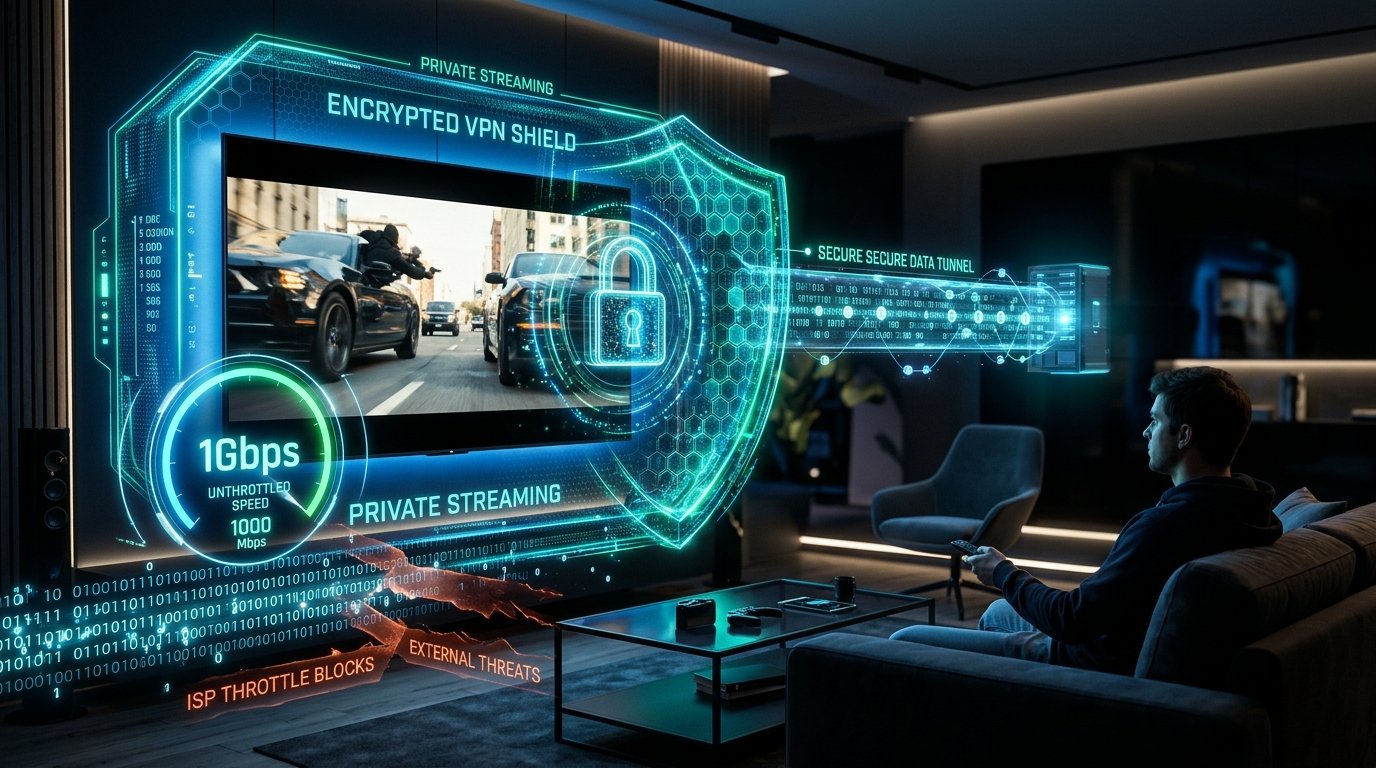
A Virtual Private Network (VPN) creates an encrypted tunnel between your streaming device (Firestick, Smart TV, Android box) and an external server. When active, all data leaving your home is scrambled using military-grade AES-256 or ChaCha20 encryption. To your Internet Service Provider (Comcast, AT&T, Spectrum, Virgin Media), your streaming traffic looks like indistinguishable cryptographic noise.
2. Does Falcon IPTV Require a VPN to Function?
No. Falcon IPTV does not mandate a VPN. Our server architecture operates on enterprise SSL/TLS encryption, and our Anti-Freeze v9.4 multi-cloud routing automatically handles server failovers. You can stream directly over your standard home broadband connection with zero configuration. However, there are specific scenarios where using a VPN is highly advantageous.
3. Understanding ISP Throttling & Deep Packet Inspection (DPI)
During massive global sports broadcasts (such as a Champions League Final, El Clásico, or UFC PPV card), millions of households stream video simultaneously. To prevent network infrastructure overloads, many ISPs deploy Deep Packet Inspection (DPI) to identify streaming data packets and deliberately throttle line speeds from 200 Mbps down to 10 Mbps.
Because a VPN encrypts packet headers, your ISP cannot identify the content of your traffic. As a result, your connection bypasses traffic-shaping rules and streams in full unthrottled 4K. Read our detailed analysis on How to Fix IPTV Buffering for additional network diagnostic tips.
4. WireGuard vs OpenVPN: Which Delivers Maximum 4K Speed?
Protocol selection is vital when streaming high-bitrate video. Historically, VPNs used OpenVPN, which introduces 15% to 25% CPU overhead on streaming sticks. Modern VPNs have adopted WireGuard, an ultra-lean cryptographic protocol containing just 4,000 lines of code. WireGuard provides:
- Near-Zero Speed Loss: Retains 95%+ of your original broadband download speed.
- Instant Connection Times: Connects in under 1 second without handshake delay.
- Lower Battery & CPU Usage: Prevents streaming sticks from overheating.
5. Top 3 VPN Services for IPTV Streaming Tested
| VPN Provider | Protocol | Average 4K Speed | Firestick App | Zero-Logs Audit |
|---|---|---|---|---|
| ExpressVPN | Lightway / WireGuard | 96% of Baseline | Yes (Appstore) | Independently Audited |
| NordVPN | NordLynx (WireGuard) | 94% of Baseline | Yes (Appstore) | Independently Audited |
| Surfshark | WireGuard | 92% of Baseline | Yes (Appstore) | Independently Audited |
6. How to Setup a VPN on Firestick in Under 3 Minutes
- On your Firestick home screen, click Find > Search.
- Search for your chosen VPN provider (e.g. ExpressVPN, NordVPN, or Surfshark).
- Click Download / Get to install the official app from the Amazon Appstore.
- Open the VPN app, log into your account, and choose a server located geographically close to you (or your home country).
- Click Connect. Once the shield turns green, launch your IPTV Player App (TiviMate or Smarters) and stream with complete privacy!
7. Final Recommendation: When Should You Turn On Your VPN?
If your Falcon IPTV streams play smoothly without buffering, you do not need to turn on a VPN. However, if you notice unexpected buffering during high-profile sporting events, simply connect your VPN to a nearby server to bypass ISP throttling instantly. Check our Subscription Plans to test Falcon IPTV with complete peace of mind under our 7-day money-back guarantee.
Experience Private, Ultra-Fast 4K IPTV Today
25,000+ live channels, 60,000+ VOD movies, and Anti-Freeze v9.4 multi-cloud routing. 3-minute setup on WhatsApp.
Start on WhatsApp Now